
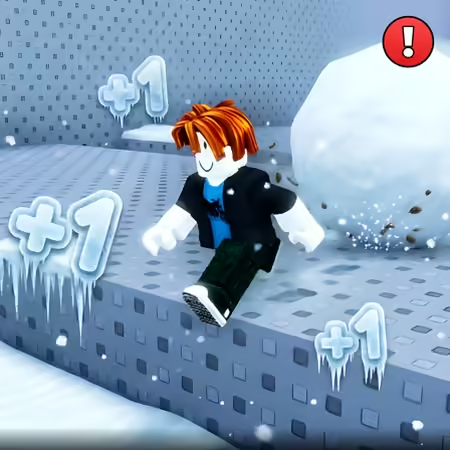
+1 Speed per Step Obby Mode

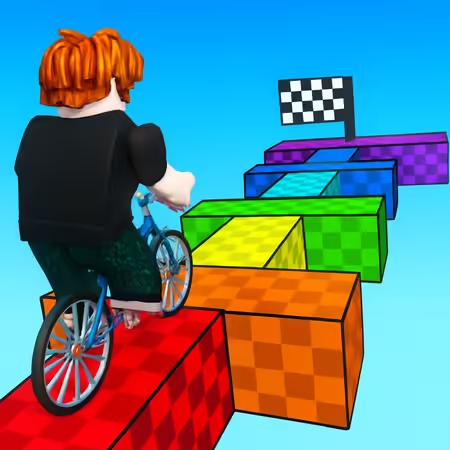
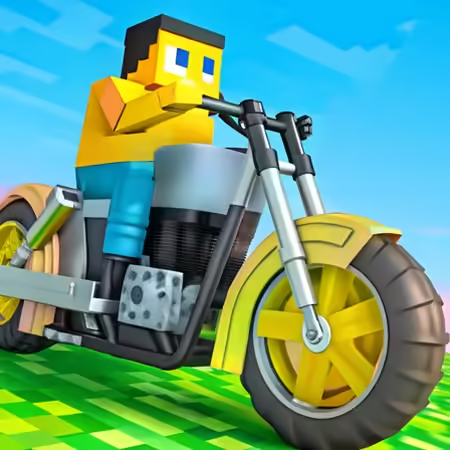








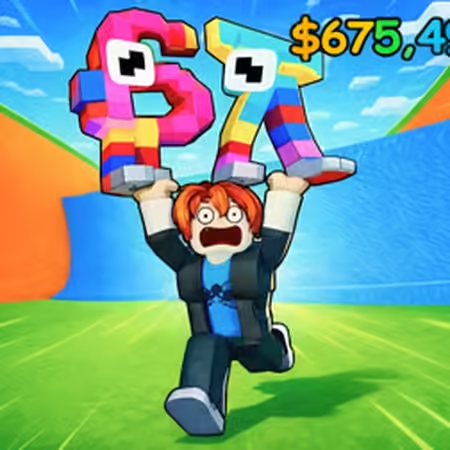

















+1 Speed per Step Obby Mode
Controls WASD or Arrow Keys - Move your character Spacebar - Jump over obstacles Mouse / Touch - Rotate camera view Esc - Open menu or pause Tips & Tricks for +1 Speed per Step Obby Mode Start slowly to get a feel for the initial platform layout before your speed increases.
How +1 Speed per Step Obby Mode works
Jump over dangerous obstacles and avoid falling off the edges as your velocity becomes harder to control.
Use the keyboard or touch controls to steer your character through various stages of the obstacle course.
The controls in +1 Speed per Step Obby Mode focus on move and click. That keeps the input side easy to follow while the challenge comes from choosing the right moment for each action.
A few practical notes for +1 Speed per Step Obby Mode
- Time your jumps early when moving at high speeds to account for the forward momentum.
- Use short, tapping movements on the keys to maintain better control during narrow platform sections.
Games Like +1 Speed per Step Obby Mode
If you enjoy +1 Speed per Step Obby Mode, check out these similar titles: Grow A Garden - Growden.io Obby but You're on a Bike
 Crazy Motorcycle
 Obby: Warriors of The Sword
 Poxel.io



 Continue with Google