

Scary Teacher 3D



























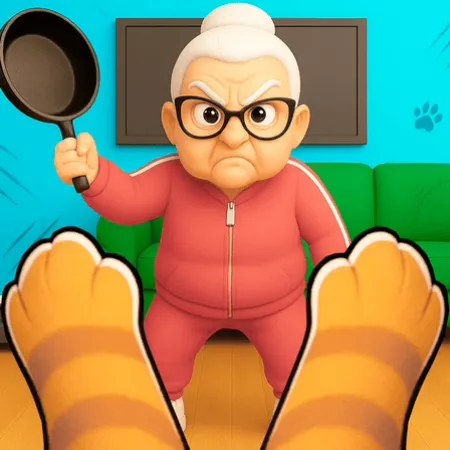


Scary Teacher 3D
Controls WASD / Arrow Keys - Move character Mouse / Swipe - Look around and aim E / Tap - Interact with objects and pick up items Shift - Run or sprint to escape Space - Jump or climb over obstacles Tips & Tricks for Scary Teacher 3D Always keep an eye on the mini - map to track the teacher's current location and direction.
Getting into Scary Teacher 3D
Navigate the 3D environment using WASD or touch controls while monitoring the teacher's movements on your screen.
Collect coins scattered throughout the levels to purchase useful items and tools from the shop.
Scary Teacher 3D mainly asks you to handle move, tap, click, and interact. The control set is straightforward, so better results depend more on execution than on memorizing extra commands.
A few practical notes for Scary Teacher 3D
- Always keep an eye on the mini - map to track the teacher's current location and direction.
- Collect coins scattered throughout the levels to purchase useful items and tools from the shop.
Games Like Scary Teacher 3D
If you enjoy Scary Teacher 3D, check out these similar titles: Hexa Sort Trick or Treat Sprunki
 Five Nights in the Digital Circus
 Rise of the Dead
 Escape From School




 Continue with Google